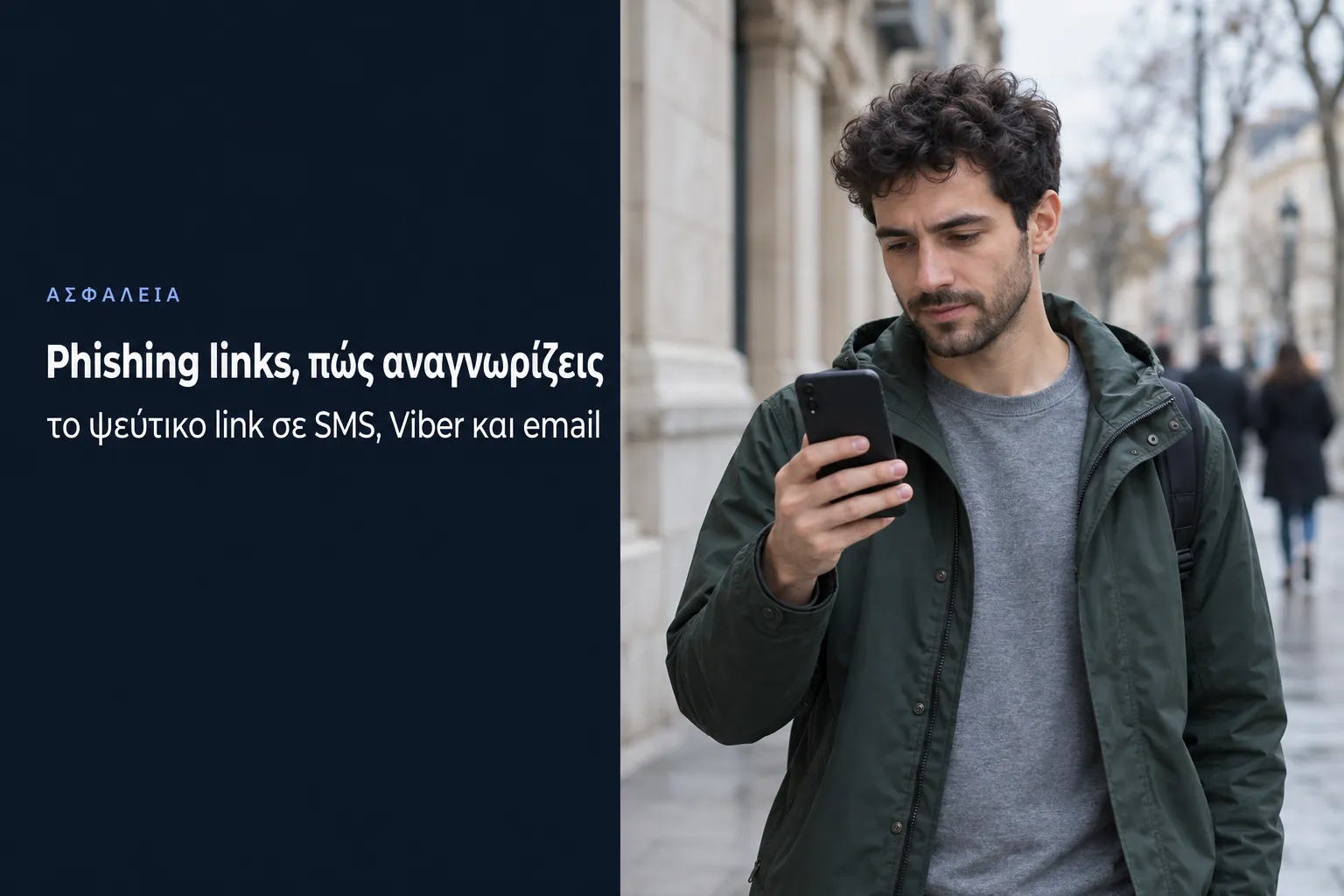
Phishing links are bait links that take you to a fake page to steal your passwords and card details, or that download malware to your device. As we showed in our previous article on email scams, there are millions of ways to trick internet users, and phishing links are one of them. Today they do not only arrive by email but also by SMS, through Viber, in ads and hidden behind images.
Konet has been running mail servers since 1999, and through iSend it sends SMS and Viber messages on behalf of businesses. So we know from the inside how a message reaches your phone and why a fake message can look identical to the real one.
What are phishing links
Phishing links are links that seem to lead to a page you trust, such as your bank, gov.gr or a courier, while in reality they send you to a page the scammer set up. The term phishing is a play on the word fishing, because the scammer throws bait and waits to see who bites. The "ph" instead of "f" comes from the hacker slang of the time, and the first recorded use of the term is in an AOL users' discussion group on 2 January 1996, according to anti-abuse.org.
In the mid-1990s, with the boom in personal computer sales and internet use, phishing links showed their bad intentions straight away. At first there was encouraging news: after the noise they caused, large companies and organisations trained their staff on internet risks on a large scale, and the hackers' success rate fell. But as more and more individuals got internet access, and as phishing links also aimed to install malware on the victim's system, the problem grew enormously.
Phishing links have changed a lot since their early days. They now hide behind images, text, ads or window close buttons and often get past security systems. The APWG, which collects data from banks and security companies, recorded 1,069,681 phishing attacks in the second quarter of 2026 alone, with June being the worst month since April 2023. If you do not watch where you click and do not know what you are dealing with, you are very likely to run into trouble.
How to spot a phishing link
You spot a phishing link mainly from its address, and the most important part of it is the domain, the name right before the ending (.gr, .com and so on) and before the first slash "/". Everything else the scammer can write however they like. Some examples:
- gov.gr.pay-traffic-fine.com: it seems to start with gov.gr, but the domain is pay-traffic-fine.com, so it has nothing to do with the Greek state.
- govgre.eu: it looks like gov.gr, but it is a completely different domain. We actually saw this domain in a phishing email imitating gov.gr that reached our mail servers.
- bit.ly/... or another URL shortener: you cannot see where it leads at all, and no bank or public agency sends you such a link to make a payment or confirm your details.
Besides the address, look at the message that comes with the link. If it puts you under time pressure ("pay today or the fine doubles"), asks for card details for a small amount or promises something too good to be true, the link is almost certainly a scam.
How to check a link before you click
Checking a link before you click takes seconds. On a computer, hover over the link without clicking, and the real address appears at the bottom left of the browser or in a small box in your email program. On a phone, press and hold the link until the address appears, without opening it.
If you are not sure, you can check the address with two free tools from large companies:
- Google Transparency Report: shows whether Google has flagged the page as dangerous in Safe Browsing, the same system that shows you the red warning in Chrome.
- VirusTotal: checks the address against dozens of security systems at once. Just note that whatever you check there becomes visible to the security community, so do not submit links that contain your personal details.
A "clean" result does not mean the page is safe, though, because scammers keep setting up new pages that no system has had time to record. The safest check is not to click the link at all, and to type the address of the bank, gov.gr or the courier yourself.
SMS scams with links
SMS scams with links, also known as smishing, are today the fastest-growing way for a phishing link to reach you, as according to the APWG they rose by 40% from the first to the second quarter of 2026. The most common messages in Greece are fake traffic fines, parcels "not delivered" by the Hellenic Post (ELTA) or ACS, and alerts from banks or subscription services.
On 6 October 2026 the Hellenic Police warned about SMS messages appearing to come from gov.gr about a supposed traffic offence. The link led to a fake page asking for the vehicle registration number and card details, and the Police noted that gov.gr will never send you a link by SMS.
This is where it helps to know how an SMS works from the inside, and we know it from iSend. The sender name you see, for example "ELTA" or a bank's name, is simple text of up to 11 characters set by whoever sends the message. Scammers exploit this, so, as the Canadian Centre for Cyber Security points out, the fake message can appear in the same conversation as the genuine messages from your bank. So the fact that an SMS arrived "in the right conversation" proves nothing, and only the link's address counts.
Viber and WhatsApp scams
Viber and WhatsApp scams take forward what we wrote in 2019 about chat rooms and bots. Back then scammers used accounts that copied, in great detail, users who were very active online, so that at first glance they looked like "normal" users. After a few scripted questions and answers to convince the victim they were talking to a human, they sent a link to see a photo, download a file or read a very interesting news story.
Today the same approach works on Viber, WhatsApp and social media. You get a message from an unknown number, or even from a friend whose account has already been stolen, with a link or a request to send them "the code you just received by mistake". That code is the verification code for your own account, and if you give it away, you lose the account. The Hellenic Police Cyber Crime Division, in its instructions to citizens, advises not clicking links or forwarding such messages to your contacts, and turning on Viber's two-step verification with a six-digit PIN. If your account has already been stolen, contact Viber support through the official form and state clearly that your account has been compromised.
Phishing links in email
Phishing links most often appear in email. If you own a domain name, it is only a matter of time before a spam bot discovers you, and once it does, it will start sending you spam in bulk every day. Almost every spam message you receive or may receive will contain phishing links. If it does not contain a phishing link, then either the email itself is phishing or it contains an infected file. Either way, spam is rarely clean.
These emails are not always sent from the scammers' own servers. In September 2026, for example, we saw a campaign on our servers that imitated a Greek bank and was sent from compromised websites. That is why on our servers Imunify360 continuously scans every account's files, so that a customer's website does not become a tool for scammers. How to recognise the fake email itself and check the real sender in the headers is explained in our article on email scams.
Phishing links behind images, files and QR codes
Phishing links behind images are a "trend" that appeared around 2010. Hackers hide executable files (.exe), containing malware ready to install, behind files that look like .gif, .png and .jpeg images. The link, both in the browser and in the email program, shows that you are dealing with an image, but when you click, without anything more appearing on screen, the malware installs on your system.
The trick relies on a double extension, a file named image.jpeg.exe. If Windows does not show you file extensions, you only see "image.jpeg" and think it is an image. To always see them, open File Explorer and choose "View", "Show" and then "File name extensions", as Microsoft describes. From then on, a file ending in .exe, .scr, .bat or .js that arrived as an "image" or an "invoice" is a file you never open.
A newer variation is the QR code. A QR code is simply a link you cannot read with your eyes, so scammers put them in emails, on stickers over real parking QR codes or in printed material. Before opening the page, your phone shows you the address, so you do the same check as with any link.
Phishing links in ads and pop-ups
Phishing links in ads are another plague of recent years. A large number of ads today push the user to click, claiming there is a great offer to catch, a new email to read or even a countdown until the computer is "cleaned" of viruses. Unfortunately some users fall for it and click.
How do we avoid such unpleasant situations? Very simply: we do not click on ads like these! If a serious person or a serious company wants to advertise an offer, they will definitely mention their name in the ad. If there is neither a name nor a link to the company's page, we do not click! Be careful, though, because scammers now also buy search engine ads under the names of well-known companies, so for the bank or online shop you are looking for, type the address directly.
Are ad blockers the solution? The FBI recommends an ad blocking extension when you search, and they do block a large number of ads. But they cannot block them all, and there will always be a chance of a malicious ad appearing. The same goes for pop-ups, which appear on websites even if you have told your browser you do not want them, and which are usually scams with phishing links. Close them with the X of the browser or the tab, never with buttons inside the window itself, because those may be links too.
Phishing links in free and pirated software
You will find phishing links in free software very often, which is why ads or links in free and "free" programs should never be opened. As we have said many times before, a business cannot offer you anything for free, because every business aims to make a profit. If they offer you their services for free, how do they make a profit? Often the answer is your data, or scams involving phishing links.
When you download cracked or pirated programs, you are sailing in uncharted waters. You are literally at the mercy of whoever uploaded the cracked program, and the websites that host them are full of fake download buttons that are themselves phishing links. You will find more on how to protect yourself in our malware guide.
I clicked a scam link, what should I do
If you clicked a scam link, how serious it is depends on what you did next. If the page simply opened and you closed it without typing or downloading anything, the risk is small, so close the tab and run a scan with your antivirus. But if you gave away details or a file downloaded, follow the steps in order:
- If you gave card or online banking details, call your bank immediately and ask them to block the card and the transactions. The faster you act, the better the chance of the money being frozen.
- If you gave a password, change it immediately from a device you know is clean, and on every other account where you used the same password. If you do not have a unique password for each account, see how to create a strong password.
- Turn on two-step verification for email, banking, Viber and social media.
- If a file downloaded, do not open it; delete it and run a full scan, as described in what is malware.
- Keep the message and the link, with screenshots, and report it. In Greece, call the Cyber Crime Division on 11188, free and around the clock, or visit cyberalert.gr. Outside Greece, report it to your national police cybercrime unit.
How to deal with phishing links in email
For phishing links that arrive by email, there are two ways to deal with spam in general. The first is to change your domain name, and the second is to add an incoming antispam filter to your hosting.
In the first case you simply cover up the problem. You do not really deal with it, and it is only a matter of time before a new spam bot discovers you and starts sending to you again. In the second case you deal with spam decisively, because with the right incoming antispam filters you block the vast majority of it. This has many benefits:
- you are exposed to less risk and so reduce the chance of financial loss,
- you spend less time on spam and so increase your employees' productivity,
- you keep your mailbox clean of unwanted email.
On Konet's Semi Dedicated Hosting plans, email goes through the SpamExperts filter for both incoming and outgoing mail, and our servers also run the internal security tools we have developed on top of the commercial ones.
In conclusion, phishing links can hide around every corner of the internet, in an email, an SMS, an ad or a Viber message. The damage they can cause ranges from infecting your computer with a virus to losing a lot of money from your bank account. So it is up to each user to stay informed about the risks of the internet and the ways to avoid and fight them.
So stay informed and protect yourself from internet scams.
 This article is licensed under Creative Commons Attribution 4.0 International (CC BY 4.0). You may republish it, provided you credit Konet as the source with a link to this article.